 Street Art-cade
Platform · open for games
The Algorithm
A two-metre black cabinet with one big motorised lever that pushes back. Players arm-wrestle it. No buttons.
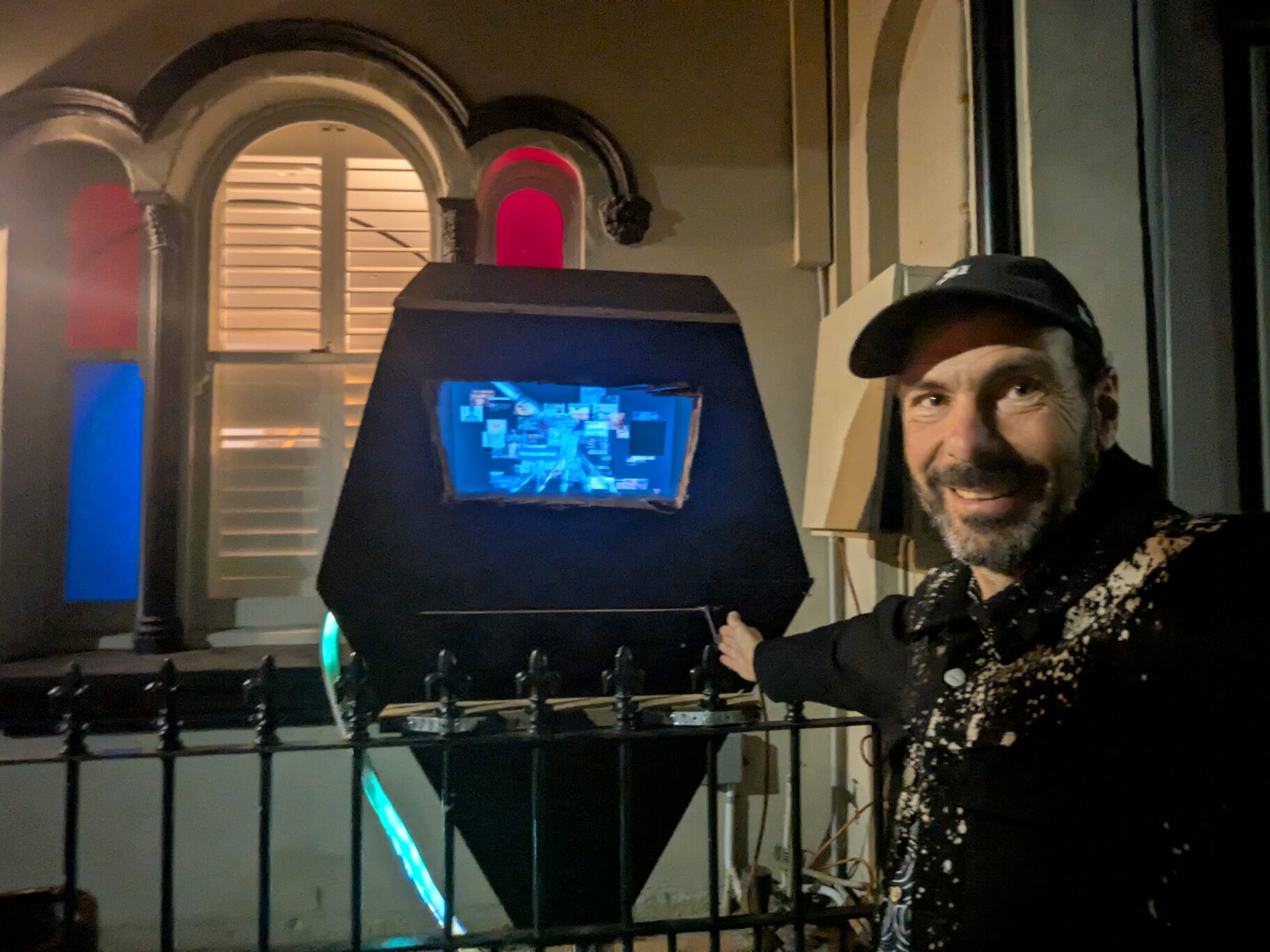
What it can do
Lever
One big lever on a 600 mm rail, and the only control. Your
game reads where it is and sets how hard the motor pushes back, up to
about 1000 N. It feels like arm-wrestling.
Position 0.0 (left) to 1.0 (right), plus the end stops. Motor torque
±100%.
ctx.slider, ctx.hw.motorScreen
An ordinary monitor, 1280 × 720 at 60 fps. The
cabinet's frame covers the edges, so keep anything important inside the
middle 1024 × 558.
Draw with pygame.
ctx.screen, ctx.rendererLights
A strip of 288 colour LEDs in a glowing tube. Use a ready-made
mood (calm, chaos, victory and more) or set any LED to any colour.
ctx.hw.ledsSound
A speaker for sound effects, music and short video clips. It is
quiet and muffled, so don't rely on speech.
ctx.play_sound, ctx.play_videoMicrophone
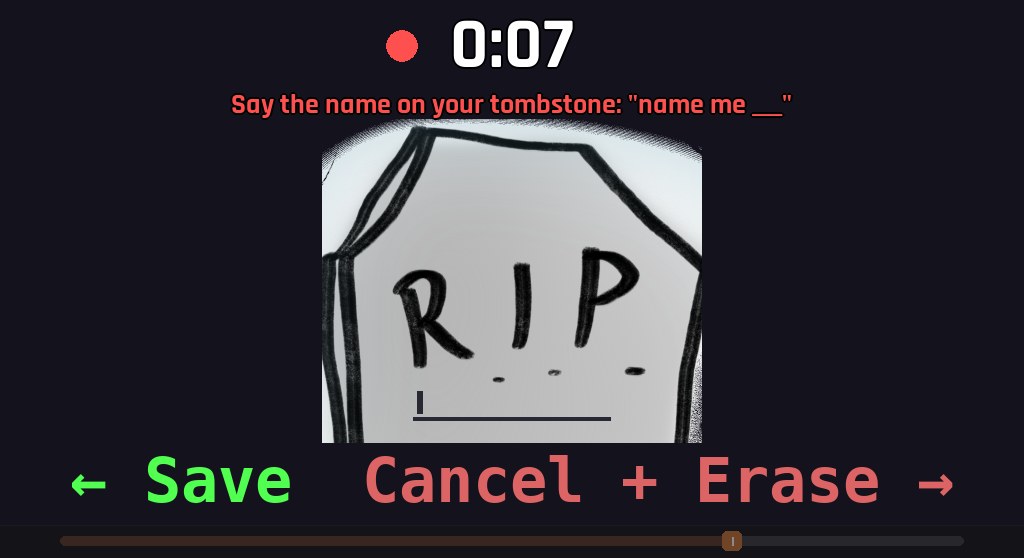
After a game, players can leave a short voice comment. You can ask
your own question too, like “Say the name on your tombstone”.
It's transcribed for you.
ctx.record_feedbackComputer
A modest laptop inside: 2-core Intel i7 (2013), 16 GB, built-in
graphics, Ubuntu. Aim for smooth 2D, not heavy 3D. Bundle your pictures and
sounds with the game; the internet connection isn't guaranteed.
Python 3.12 and pygame-ce 2.5. Full specs
Your stats
Every play is counted for you: plays, scores, how long people
stayed, and their voice comments, on a private dashboard.
ctx.eventSee it played
What a visit looks like
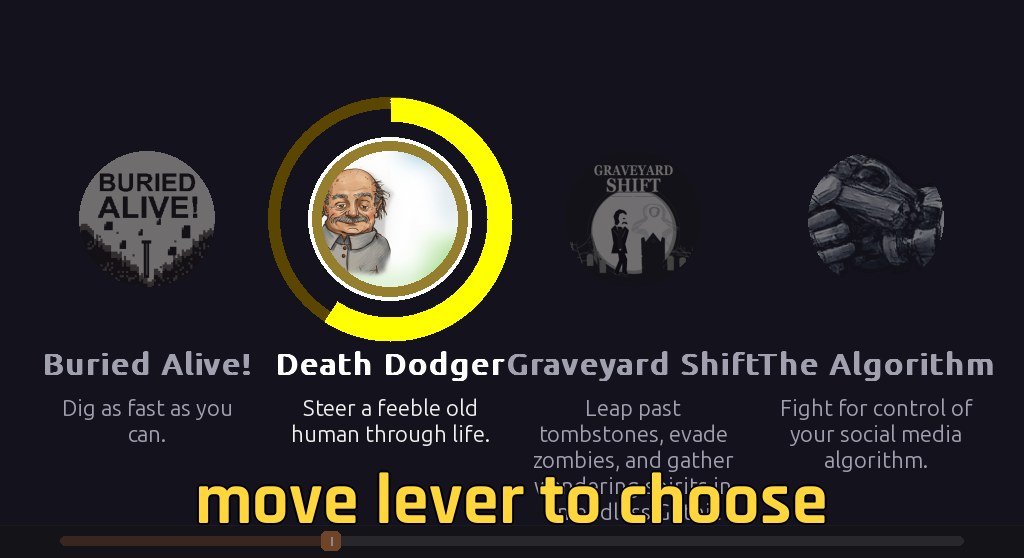
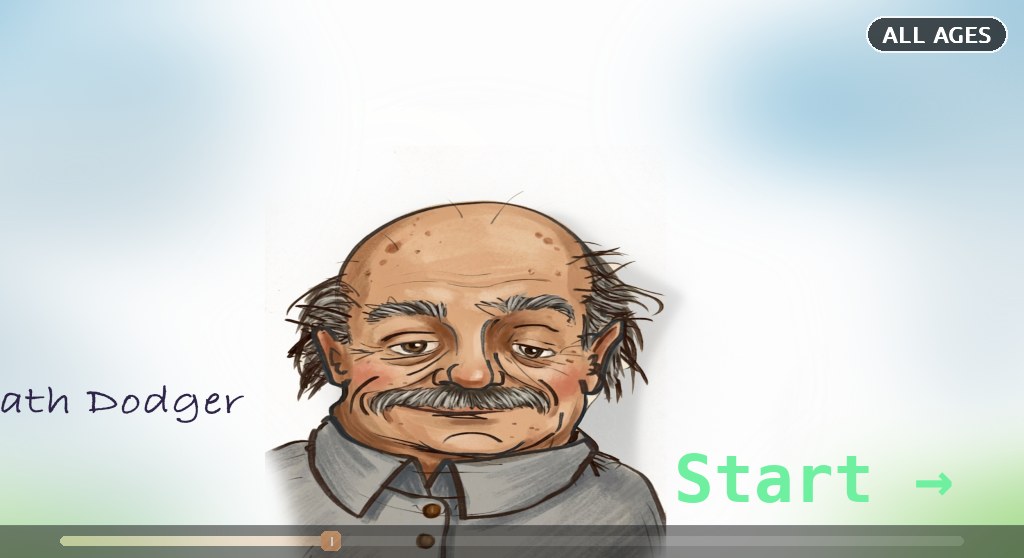
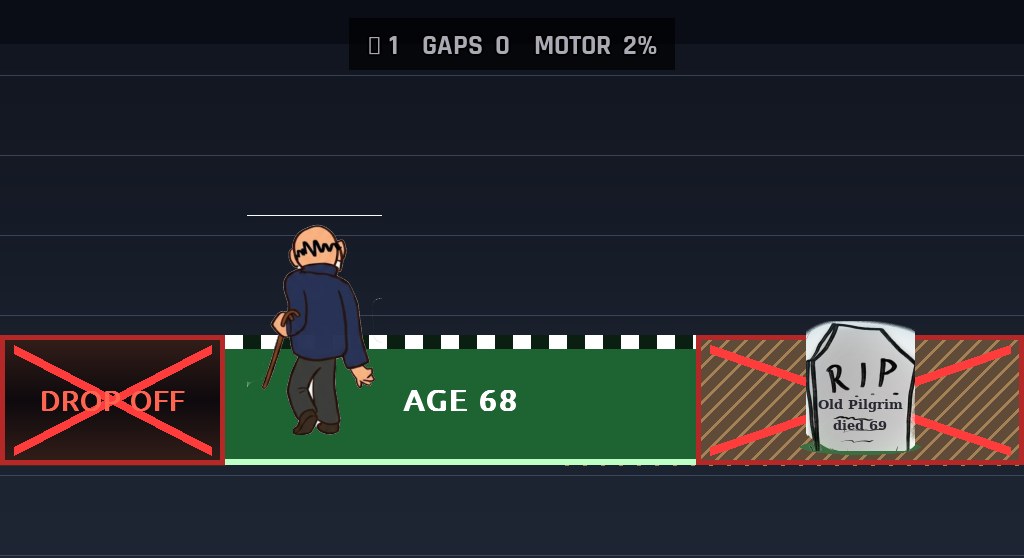
Every player goes through the same four screens, shown here with Death Dodger. Tap one to see it full size.
Example games
Hello World
The smallest possible game, about 30 lines. Push the lever right
to win, left to quit. It comes in the devkit, ready to copy.
Read the code
Death Dodger
A complete game that runs in public, by Josh Whitkin. The lever
gets harder to push as your character ages, past players' tombstones stay
in the graveyard, and it asks for a voice comment at the end.
Full source on GitHub
On The Algorithm now
- Loading…
Who plays
Passers-by who walk up with no instructions, mostly Australian and Asian college students, often in groups. A sitting is usually one to three minutes. Many don't speak English as a first language, and nobody reads a paragraph. So make the first five seconds explain themselves, say it in a few big words readable from two metres, and never leave a player stuck.
Build for it
- Read the API. It's one page. A game is one Python class
with a
run(ctx)method, and a shortgame.yaml. - Download the devkit and play your game on your own computer. The mouse or arrow keys stand in for the lever.
- Submit it. We check it loads and runs, then get back to you.
Other platform: Fingerdance, a robot finger that dances with you (coming soon for developers).